How to Study a Programming Book Without Skimming It
Most students finish a programming book and remember almost nothing. Here is the slow, opinionated method I teach at DevHives, with specific examples.
Three hundred pages of Eloquent JavaScript, highlighted in yellow — and still no way to write a function that reverses a string without Googling it. The book was not the problem. Nobody had ever explained how to study one.
Research bears this out. Karpicke and Roediger’s 2008 study found that testing yourself had a large effect on what students remembered later, while studying the same material again had none. The yellow highlighter is a comfort, not a teacher.
I have watched roughly two hundred students at DevHives try to learn from a programming book over the last four years. The ones who finish a book and still cannot build anything from it follow a predictable pattern. They treat the book like a novel. They read forward. They highlight things that sound important. They never type a single line of code while reading. Three weeks later they cannot remember what a closure is, and they blame the book.
Here is what I tell them to do instead.
Why does reading a programming book feel like learning?
Because comprehension feels identical to mastery while you are reading, and the bill comes later.
Comprehension feels identical to mastery while you are reading, and the bill comes later.
When you read a paragraph about how map works, your brain follows the explanation. You think, “yes, that makes sense.” That feeling of understanding is real. The trap is that you cannot tell the difference between I can follow this argument and I can write this code from a blank file at 2 a.m. Those are completely different skills. The first one is cheap. The second one is the only one that matters.
Cognitive scientists call this the illusion of fluency. Brown, Roediger, and McDaniel cover it well in Make It Stick, which is the one non-programming book I make every DevHives student read. The short version: passive re-reading produces confidence without competence. Retrieval produces both.
Read with the laptop open, not closed
The single biggest change you can make: never read a programming book without a code editor open beside it. Every example in the book must be typed by you, in your editor, and run.
Not copy-pasted. Typed. Including the semicolons. Including the comments you think are obvious.
This sounds like a small thing. It is not. Typing a code sample slows you down to roughly the speed your brain actually needs to learn the syntax. Copy-paste is the visual equivalent of skim-reading. You feel productive and absorb nothing.
The minimum rule I give DevHives students: for every code block in the book, do three things.
- Type it exactly as written. Run it. Confirm the output matches.
- Break it on purpose. Change one variable name, delete one line, swap a
<for a>. Predict what will happen before you run it. Then run it. - Write a tiny variant from scratch, without looking at the page. If the example sorts numbers ascending, you write one that sorts descending. Close the book first.
Step three is the one most learners skip. It is also the one that does most of the work. The book is now a teacher, not a script.
Slow is the speed
A 400-page programming book is roughly a 60-hour read if you do it properly. Not 6.
That number shocks students every time I say it. They assume “study a programming book” means reading like a novel, and that 60 hours sounds absurd. It is not absurd. It is the actual cost of moving information from page to fingers. A chapter on closures might run 18 pages. Reading it takes maybe 30 minutes. Typing every example, breaking each one, and writing a variant from scratch takes 3 hours. That is the deal.
This is also why I tell students to pick one book and stay with it for two months. Not four books in parallel. Not three video courses on the side. Cal Newport calls this kind of focused, hard, single-target work deep work. The label matters less than the discipline. Pick one source. Go deep. Finish.
Keep a “what I broke” notebook
The most useful artifact from studying a programming book is not your notes. It is your list of mistakes.
Every time a code sample fails on your machine, write down two things in a plain text file: what you expected to happen, and what actually happened. One line each. No prose.
2025-11-04, ch.4 closures
expected: counter prints 1,2,3
actual: counter prints undefined,undefined,undefined
cause: forgot to return the inner function
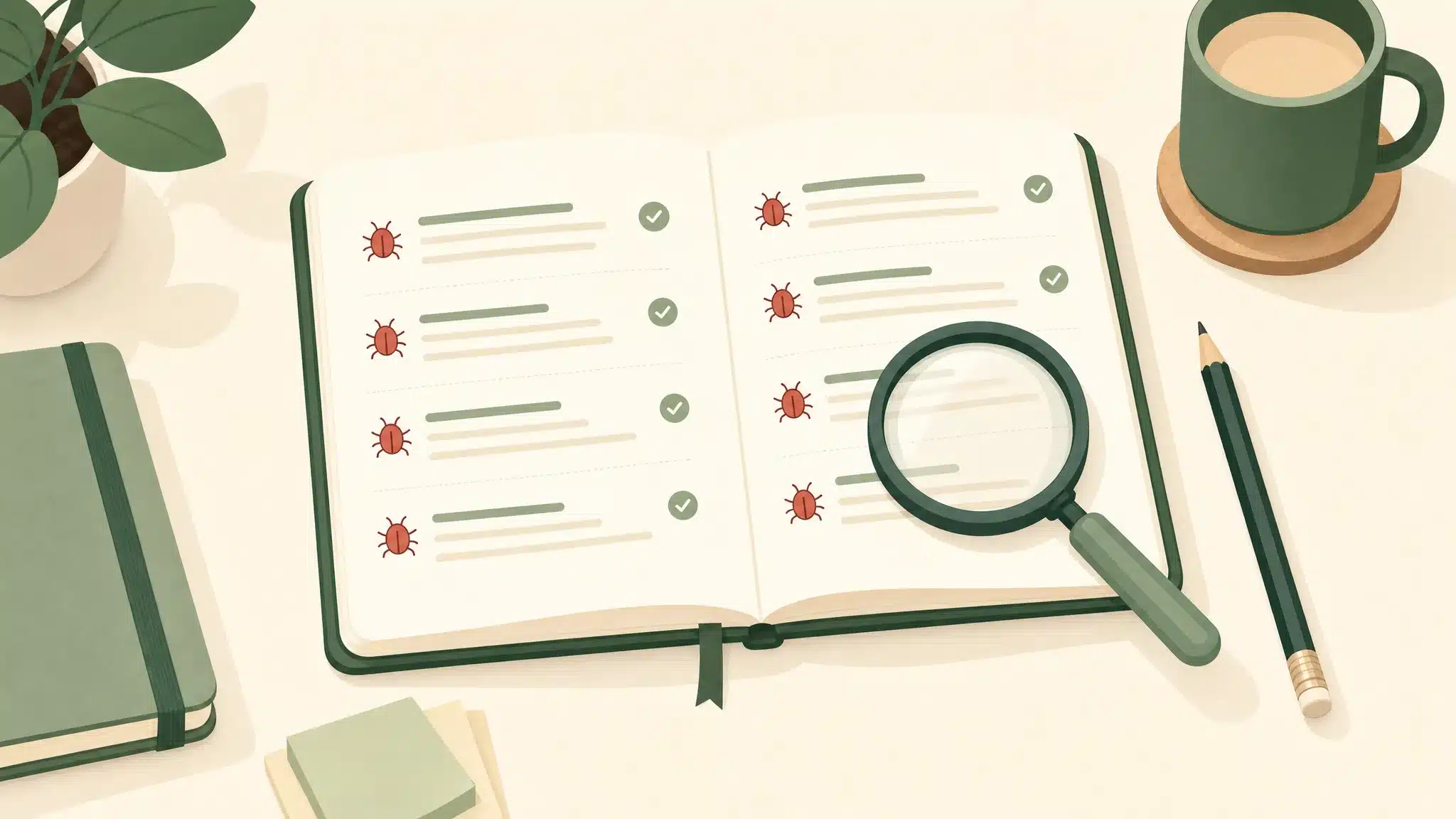
After two weeks you will have 40 to 60 of these entries. Read the file on a Sunday. You will see your own pattern. Most students at DevHives discover their bugs cluster around three or four ideas they never quite locked in. That list is more honest about your skill gaps than any chapter summary.
Teach the chapter to an empty chair
At the end of every chapter, close the book, open a blank document, and explain the chapter to a beginner who does not exist. Out loud. In writing. Both.

This is borrowed from the Feynman technique and it is the cheapest retrieval drill that works. You will get to the part where you say “and then the function captures the variable because of…” and you will stall. That stall is the gap. Go back, find the page that fills it, and try the explanation again. The gap closes faster than re-reading the chapter ten times.
Andy Matuschak has a beautiful piece on why this kind of writing while reading works better than passive consumption. Worth a read on a slow afternoon.
How do I know if I am skim-reading?
Easy test. Close the book right now. Get a sheet of paper. Without looking, write down the three most important ideas from the last chapter you read, and one piece of code that demonstrates each one.
If you cannot do this in 10 minutes, you skimmed it. Go back. Type the examples. Break them. Try again.
I run this exact test on students in our cohort sessions. The first time, almost everyone fails. The second time, after we walk through the method above for one chapter together, most of them pass. The method is not complicated. It is just slower than people want it to be.
How to study a programming book: a 6-week plan
Concrete is better than abstract. Here is the schedule I give every DevHives student who asks me how to study a programming book the right way.
| Week | Daily commitment | What you produce |
|---|---|---|
| 1 | 60 min reading + typing every example | Local repo with chapters 1–3 code, “what I broke” file started |
| 2 | 60 min reading + 30 min variant exercises | 3 small variant programs, one per chapter |
| 3 | Same, plus end-of-chapter teach-back | 3 written explanations of 200 words each |
| 4 | Same; review “what I broke” on Sunday | Pattern list: top 3 recurring mistakes |
| 5 | Reduce reading to 30 min; build a small project using only what the book has covered so far | Working mini-project in your repo |
| 6 | Finish the remaining chapters; rewrite week 5 project using techniques from the final chapters | Polished v2 of project; book closed |
Six weeks. One book. One real project at the end that proves you actually learned it. The students who do this never ask me “should I read X before Y?” again. They have figured out what learning from a book actually feels like.
What to do next
Pick the programming book that has been sitting open on chapter 3 for the last two months. Open it tonight. Open your editor next to it. Type the next code example by hand, run it, break it on purpose, then write your own variant with the book closed. That is your week 1, day 1.
If you want to know why DevHives exists and what this blog is for, read the About page. The short version: most online tutorials lie to you about how learning works. Books are honest about the cost. Pay it.
You can also read about DevHives and what we teach if you want the longer context on how we work with students through exactly this kind of slow, deliberate study.
— Arnab Biswas, DevHives