How Many Hours Should You Practice Coding Daily?
Practice coding for 1 to 2 focused hours most days, split into two 45-minute blocks. Short daily sessions beat marathon weekends because your brain needs time between sessions to move learning into long-term memory.
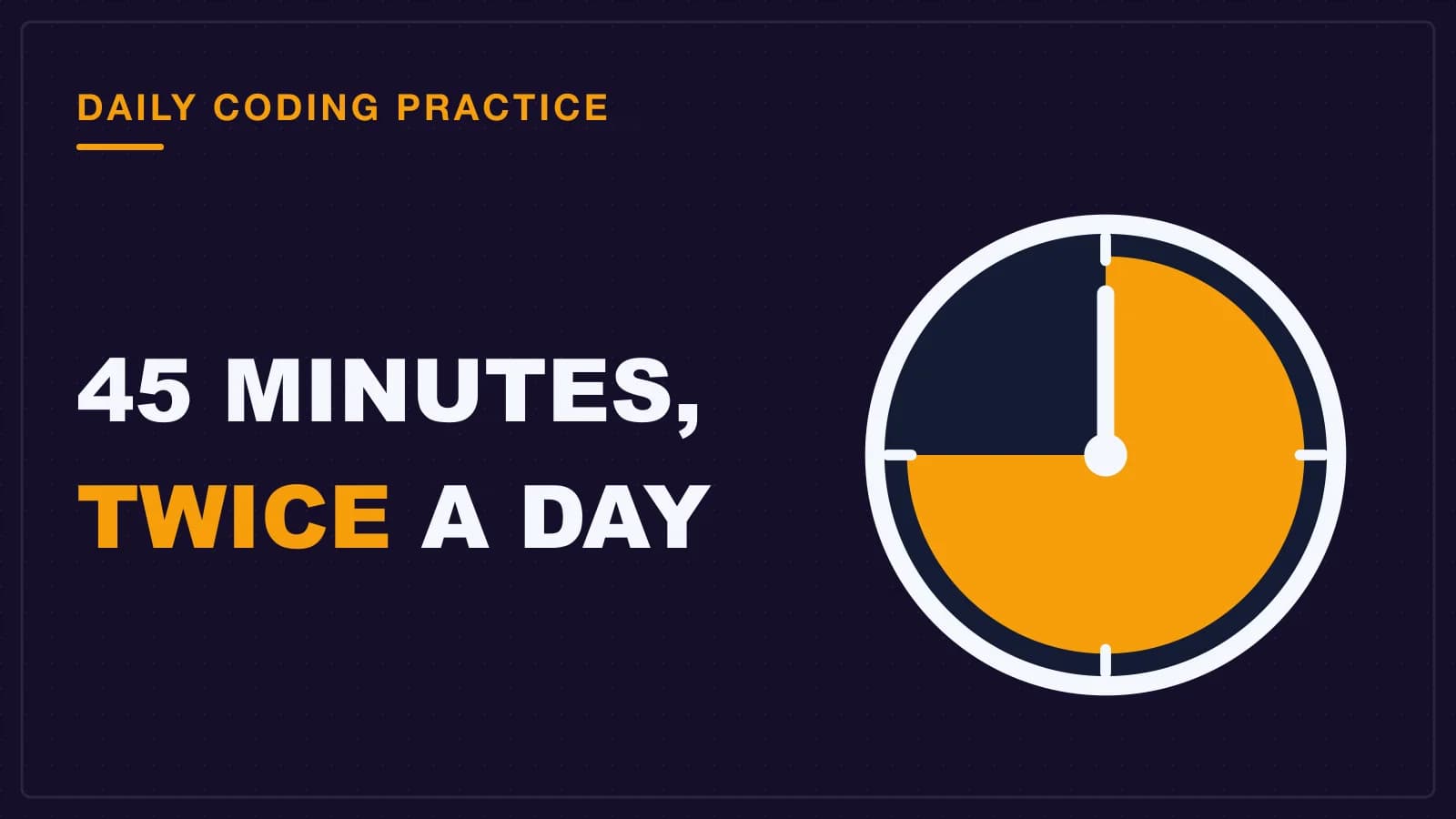
You should practice coding for 90 minutes a day, split into two 45-minute blocks. Short daily sessions work because the brain needs time between sessions to move what you learned into long-term memory. One long weekend session might feel productive, but it is the worst schedule for actually learning to code. Aim for two focused 45-minute blocks, with a real break in between.
Here is the daily scheduling strategy, how to split your time, and the research that backs it up. The science behind this approach comes from the Wikipedia article on distributed practice and the Indiana University teaching resource on spaced practice, both linked in the sections below where they are cited.
Why doesn't an 8-hour Sunday work?
Massed practice, which means one long session, is less effective than spaced practice because the brain needs time to transfer information from short-term to long-term memory.
Think about your phone's storage. If you record a 4-hour lecture in one take, the file is huge and messy. If you record the same lecture in short clips across a week, each clip is small, clear, and easy to save. Your brain works the same way.
The Wikipedia article on distributed practice, linked above, explains exactly this effect.
Long sessions also exhaust your attention. After 90 minutes, your focus drops sharply. An 8-hour Sunday is really 2 hours of learning and 6 hours of staring at a screen while your brain slowly shuts down. The last few hours feel like work, but almost nothing actually sticks. Spaced practice research (Wikipedia) confirms that shorter, spread-out sessions yield better retention.
There is another problem: one long session teaches you to sit and read, not to solve problems. When you sit for 8 hours, you get tired and start copying code without thinking. That feels like progress. It is not.
What does the research actually say about spacing?
Spaced practice, which means breaking study into short sessions over many days, beats massed practice on every measure the researchers tested.
The effect is well documented. One study on distributed practice (Cepeda et al., 2006, published in Psychological Science) found that spacing 13 sessions 56 days apart gave about the same test scores after the same delay as twice as many sessions at a 14-day interval. That means fewer total hours, spread wider, produced comparable memory strength on the delayed test. For more depth on these findings, see the Wikipedia article on distributed practice, which links to the original paper.
Distributed practice is also known as spaced repetition. This journal article on the benefits of distributed practice covers the full picture if you want the details.
The reason is simple: every time you re-enter a topic after a break, your brain has to work harder to remember it. That effort is what strengthens the memory. Cramming feels easier because the information is right in front of you, but easy retrieval does not create strong memories. The Indiana University teaching resource on spaced practice, linked earlier, offers additional practical tips.
How many hours should a beginner practice each day?
Aim for 90 minutes a day, split into two 45-minute blocks with a short break in between.
The split matters. Two 45-minute blocks are far better than one 90-minute block. Why? Your brain needs a gap to start consolidating the first block before you pile on the second. Even a 10-minute break allows the start of that memory-saving process (see the Indiana University spaced practice guide for details). This mirrors the spaced practice research described at the Indiana University teaching resource.
Here is the rule of thumb:
| Total daily time | Best structure | Who it fits |
|---|---|---|
| 1 hour | Two 30-minute blocks | Students with heavy college schedules |
| 1.5 hours | Two 45-minute blocks | Most beginners |
| 2 hours | Two 45-minute blocks + one 30-minute review | Serious learners before a job hunt |
What should the two 45-minute blocks look like?
Block one is for learning something new. Block two is for practicing it with the tutorial closed.
Here is a concrete plan for a 90-minute day:
- Block 1 (learn): Watch one short tutorial, read one section of a book, or work through one chapter. Keep it small, like "how to use
map()in JavaScript" or "what a dictionary is in Python". - Break (10 minutes): Stand up, drink water, look at something far away. No phone. Your brain needs silence to start saving what you just saw.
- Block 2 (practice): Close the tutorial. Do not look at it. Build the smallest possible thing with what you just learned. If you watched a video on
map(), write a function that usesmap()on your own data. If you read about dictionaries, create a small contact list.
The second block is where the real learning happens. You will write broken code. That is the point. Breaking code and fixing it creates the memory. Copying code does not.
What are the common mistakes beginners make with practice time?
The biggest mistake is judging a session by how much code you wrote, instead of how much you can build without help.
Here are the three most common traps:
- Watching tutorials instead of coding. A video is entertainment. It becomes learning only when you close it and build something yourself. If you want more detail, see my guide on escaping tutorial hell. If you watch for 25 minutes, your second block must be all coding, no video.
- Skipping the break. You think a 10-minute break wastes time. It does not. The break is when your brain starts moving the information into long-term memory. Skip it and you lose most of what you just learned.
- Doing two unrelated topics in one day. If block one is Python loops and block two is HTML forms, you get none of the benefit of practice. The second block must reuse what the first block taught you. That repetition is the whole point.
If you want more detail on the watching-vs-doing trap, I wrote a full guide on escaping tutorial hell.
How do I fit daily practice into a busy schedule?
Use a habit-stacking technique: after morning coffee, code for 45 minutes.
The classical advice for building any habit is to attach the new behavior to something you already do every day. Your morning coffee is a reliable anchor. Finish the coffee, sit at your desk, open your editor, start the first 25-minute block.
If mornings are impossible for you, pick a different anchor. After dinner, code for 45 minutes. After your evening walk, code for 45 minutes. The anchor does not matter. The consistency does. For a full plan on building a lasting coding habit, read my post on how to build a coding habit that lasts. You can also learn more about the underlying science from this Indiana University resource.
Even 30 minutes a day is enough if it is genuinely focused. Sixty focused minutes beat three unfocused hours every time. A half hour with the tutorial closed, struggling through a small problem, is worth more than an evening watching a video while half-sleeping.
What is a realistic weekly schedule for a beginner?
Here is a sample week: 45 minutes of learning followed by 45 minutes of applying, five or six days a week, with one rest day.
This is the exact schedule I recommend to my students (based on the spaced practice research at Indiana University):
| Day | Schedule |
|---|---|
| Mon–Fri | 45-minute block (learn) + break + 45-minute block (practice) |
| Saturday | One 90-minute block, or two 45-minute blocks |
| Sunday | Rest day, or a light "free build" day |
The exact day names do not matter. What matters is the rhythm: five or six days of short focused work, one day to rest.
Saturday is your chance to go deeper. Use a longer 90-minute block to build something bigger with everything from the week. Sunday is your rest day. Rest is not laziness. It is part of the learning process, because your brain does its best memory-saving while you sleep and relax.
If you need a structured path for the study blocks themselves, my 90-day Python learning plan gives you a day-by-day roadmap.
- Five or six days of short focused work, one rest day.
- Saturday: longer block to build something bigger.
- Sunday: rest and consolidation.
How long until I see results from daily practice?
In my experience teaching beginners, students typically start building small things from scratch after three to four weeks of daily practice, not after one weekend.
In week one, everything feels slow and you doubt yourself. In week two, you start recognizing syntax without looking it up. By week three or four, you can open a blank file and build something small from scratch without a tutorial. That is the moment daily practice pays off.
Remind yourself that every 45-minute block is one deposit into long-term memory. One weekend session is one giant deposit that your brain loses overnight. Four weeks of small daily deposits build a balance that is hard to erase.
- Week 1: slow and doubtful.
- Week 2: recognizing syntax.
- Week 3-4: building from scratch.
So what should you do tonight, not someday?
Put it on your phone's calendar as a recurring daily event: 45 minutes of learning, a 10-minute break, then 45 minutes of coding with the tutorial closed.
Set the event. The exact time does not matter yet, what matters is that the block exists on your calendar. Six days a week, the same two blocks appear.
If you want to go a level deeper on why your brain forgets code between sessions, read my post on why your brain forgets code. When you hit a problem that refuses to be solved, my debugging plan for beginners will save you hours of frustration. For the original research behind spacing, this Wikipedia article on distributed practice is a reliable starting point.
Your future self, three weeks from now, is built by the 45-minute block you do today. Not the giant marathon you keep promising for Sunday.