Why Your Portfolio Projects Don’t Get You Hired — and How to Fix Them
You have projects, but recruiters stay silent. Here is why your portfolio projects don’t get you hired, and a clear fix for each problem.
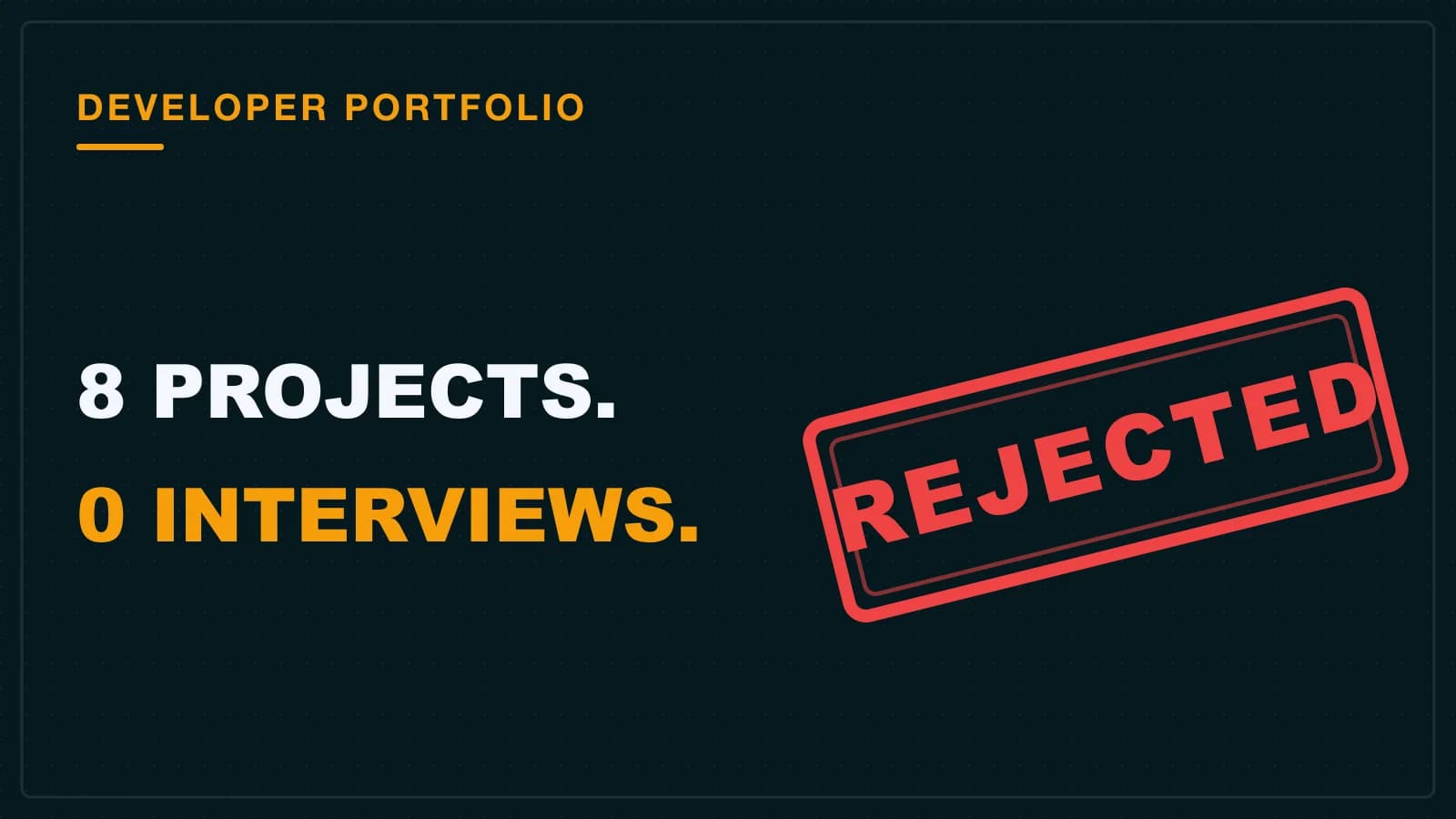
Eight projects. A to-do app, a weather app, and two clones of the same tutorial. Forty applications, zero replies. The code was fine — that was the problem. The portfolio looked exactly like five hundred others sitting in the same inbox.
If you have projects and you are still getting silence, this post is for you. We will look at why yours gets ignored, then fix it.
Why your portfolio projects don’t get you hired (the short answer)
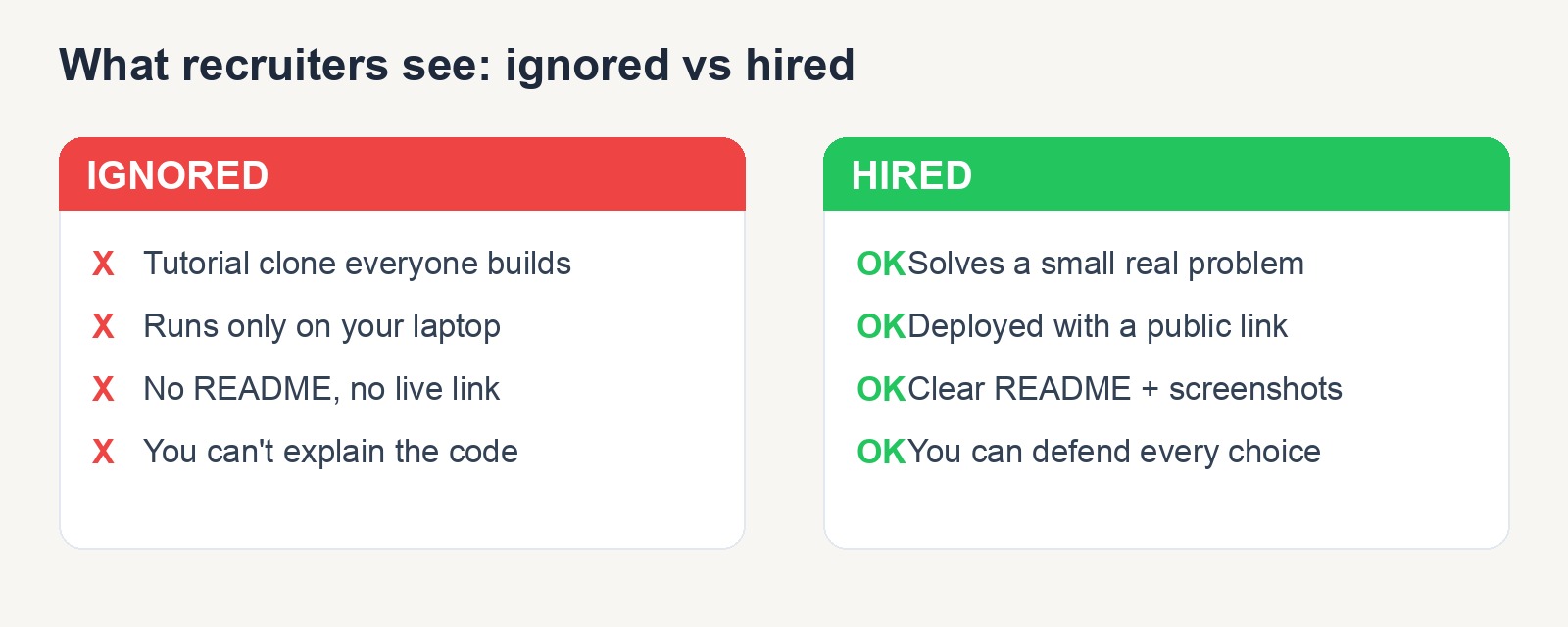
Your portfolio projects don’t get you hired because they look like tutorial clones, break on the first edge case, and never show how you think. Recruiters spend seconds on each profile. They have seen your weather app 100 times. A project only stands out when it solves a real problem and you can defend every decision in it.
Why do recruiters ignore most portfolios?
Because they scan, they do not read. A recruiter gives your profile a few seconds before moving on.
In India especially, the same college assignments flood every inbox. The same library system. The same student management app. When a hundred submissions look identical, all of them blur together.
Here is what most guides skip: the project list is not the signal. The signal is whether your work shows judgment. Anyone with Copilot can ship a weather app now. So the question a hiring manager really asks is, “Can this person make good decisions?” If your portfolio answers that, you stand out. If it just lists clones, you do not.
It helps to know what actually gets junior developers hired in this market before you decide what to build.
Real projects solve a problem someone actually has
A real project solves a problem someone actually has and handles messy input. A clone just follows steps and works only in the demo.
Three things separate the two. A real problem behind it. Handling for bad input and empty states. A story you can tell about why you built it.
| Tutorial clone | Project that looks real |
|---|---|
| Built to match a video | Built to solve a small annoyance you had |
| Works only on the simple case | Handles empty input, errors, and refresh |
| “I followed a course” | “I chose this database because…” |
| No live link | Deployed, with a working URL |
You do not need a big idea. A tool that tracks your own study hours is more convincing than a fifth to-do app. It is yours, and you can explain every part of it.
Most portfolio links are quietly broken
Probably yes, if you only ever tested the simple case. Most beginner projects work in the demo and fall apart the moment someone does something unexpected.
I will admit my own first mistake here. My early projects all looked great when I typed the perfect input. The day a friend clicked submit on an empty form, the whole thing crashed. I had never tested it.
This is where beginners get caught. An interviewer will open your live link and try to break it. Test these before they do:
- Submit an empty form. Does it crash or warn you nicely?
- Refresh in the middle. Does your data survive?
- Open it as a second user. Do you see each other’s data by mistake?
- Type a huge number or strange text. Does it handle it?
- Open it on a phone. Is it still usable?
Fixing these is the cheapest way to look more senior than you are.
Deploy the two projects you want people to read
No. Deploy your best two or three, and deploy them well. A live link proves you can ship, which is a skill on its own.
A recruiter will not clone your repo and run it on their machine. They will click a link or move on. No link often means no look.
Deploying is free and fast now. You can use Vercel for most front-end and full-stack apps, or Netlify as a free alternative. If you have never shipped a project before, the path is shorter than you think.
Here is the full path from your laptop to a public live URL:
- Push your code to GitHub. Make sure the main branch builds and runs.
- Open Vercel (or Netlify) and sign in with your GitHub account.
- Click “Import” and pick the repository you just pushed.
- Set the framework and the build command. Most tools detect this for you, so only change it if the build fails.
- Click deploy and wait for the public live URL to appear.
- Add that URL to your README and to the project’s GitHub “About” box on the right side.
The last step matters more than it looks. A recruiter who lands on your repo should see the live link in the first second, not hunt for it. Pick one platform, ship your best work, and put the URL where it cannot be missed.
What should a README actually contain?
A README should let a stranger understand and run your project in two minutes. It is your communication audition, and most beginners skip it.
A blank README tells a hiring manager you cannot explain your own work. A clear one tells them you can write for teammates. Include these four things:
- One line on the problem it solves.
- A screenshot or short clip, plus the live link.
- The tech stack, in one short list.
- How to run it locally, step by step.
The checklist below shows what a hiring manager wants to find in your README within two minutes.
| README line | What the recruiter reads into it |
|---|---|
| Problem statement (1 line) | You know who this is for |
| Screenshot + live link | It is real and it ships |
| Tech stack list | You made deliberate choices |
| Run steps | You can write for teammates |
For deeper guidance, freeCodeCamp has a solid walkthrough on writing a good README file, and you can study real examples in this awesome README list.
Try this now: open your best project’s README and check if a stranger could run it without asking you a single question.
Copying a tutorial costs you in the interview, not the screening
Because you cannot explain a decision you never made. The interview is where copied projects fall apart.
Here is the moment that catches people. The interviewer points at a line and asks, “Why did you do it this way?” If you copied it, you freeze. You did not choose it; the video did. That silence ends interviews fast.
Following one tutorial to learn is fine. The mistake is shipping it as your own. Build it once with the guide, then rebuild it your way with a twist nobody taught you. Now the decisions are yours, and you can defend them. If you are stuck in the loop of finishing courses without ever building alone, I wrote a separate exit plan for that in escaping tutorial hell.
A project you can defend for 20 minutes beats ten projects you cannot explain.
How many projects do you really need?
Three to five strong projects, each one you can discuss for 20 minutes. Depth beats a long list every time.
Ten shallow clones make you look like someone who follows steps. A few deep projects make you look like someone who solves problems. Hiring managers want the second person.
For each project on your list, ask yourself one question. Can I talk about why I built it, the hard part, and what I would do better next time? If yes, keep it. If no, either go deeper or remove it.
The best project ideas come out of your own week
Solve a small annoyance in your own life, or make one real open-source contribution. Both prove you can work on problems nobody handed you ready-made.
Look at your week. What do you do by hand that a small app could do for you? Track expenses, plan study sessions, manage your reading list. Boring problems are good, because they are real, and almost nobody else built that exact thing.
The other strong move is one good open-source pull request. Fixing a real bug in a real project shows you can read code you did not write. That is the daily job. A first contribution feels scary, so here is a path that is doable for a nervous beginner:
- On GitHub, search issues with the filter
label:"good first issue"in a project whose tools you already use. - Pick a small docs fix or a tiny bug, not a big feature. Small wins build trust.
- Read the project’s CONTRIBUTING file so you follow their rules.
- Comment on the issue first. Say you would like to work on it and ask any question.
- Wait for a maintainer to reply, then open your pull request with a short, clear description.
Your first merged pull request is a real story for an interview. You read someone else’s code, made a change, and got it accepted by a stranger. Few juniors can say that.
If you want a path that builds toward this, follow a roadmap that builds real projects, not tutorial clones.
AI changes what counts here too. Anyone can generate code now, so judgment is the new hiring signal. The trick is to use these tools without depending on them too much, so you still understand and can defend what you ship.
The one change worth making first
Pick your single best project. Deploy it, write a real README, and then spend ten minutes trying to break it the way an interviewer would — empty form, refresh mid-flow, a second user, a phone screen. One strong project, done fully, beats a long list of clones.
Once that project holds up, the next thing to fix is the document that decides whether anyone clicks it at all. That is the resume, and it has its own set of traps — I covered them in the junior developer resume that actually gets interviews.