Azure Databricks Standard Tier Retired: 2026 Cost Guide
Microsoft retired the Azure Databricks Standard tier on October 1, 2026, and auto-upgraded all workspaces to Premium. Here is what that means for your bill, plus four habits that keep a student project cheap.
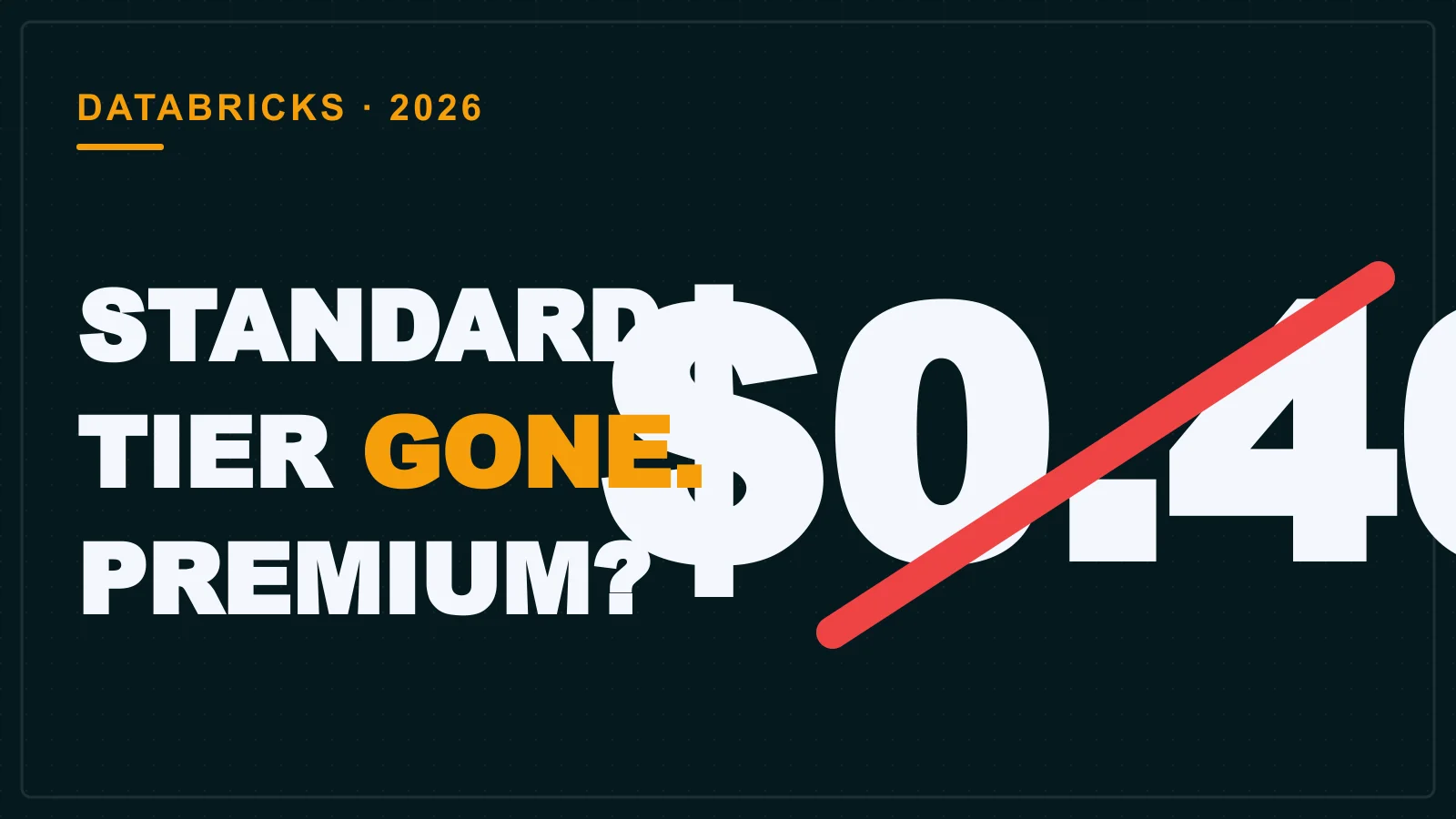
In October 2026, Microsoft quietly turned off the Standard tier for Azure Databricks. Every remaining Standard workspace was upgraded to Premium, and the price tag for a DBU (Databricks Unit, the billing unit for Databricks compute) went up by 20-30% per the Bismart comparison (Manage your subscription). If you are a student on your first internship project, here is what that means for your bill.
Azure Databricks retired Standard on Oct 1, 2026, and auto-upgraded all workspaces to Premium, so you will now pay the Premium per-DBU rate (about $0.55 vs $0.40 for Standard) with no option to downgrade. For most students, the extra cost is modest, but it can add up if you leave clusters running.
What changed: Standard tier is gone
Azure Databricks stopped letting anyone create Standard workspaces on April 1, 2026, and on October 1 it automatically upgraded every remaining Standard workspace to Premium (Manage your subscription). The rollout happened in phases, and Microsoft billed the upgrade automatically, so many users likely noticed the change only when their invoice arrived.
This retirement was not sudden. AWS and GCP ended their Standard tiers in October 2025, a full year earlier (Flexera Databricks pricing guide). Azure followed the same playbook: block new Standard creation in April, then force the upgrade in October.
Premium vs Standard cost: $0.55 vs $0.40 per DBU
Premium all-purpose compute costs about $0.55 per DBU, versus roughly $0.40 for Standard, a 20-30% jump depending on region and cluster (blog.bismart.com/en/azure-databricks-premium-vs-standard). A DBU (Databricks Unit) is the billing unit for compute capacity, and these list prices can vary by region.
| Compute type | Standard rate (retired) | Premium rate |
|---|---|---|
| All-Purpose | $0.40 / DBU | $0.55 / DBU |
| Jobs | — | $0.15 / DBU |
| SQL Classic | — | $0.22 / DBU |
| Serverless | — | $0.75 / DBU |
Notice that Jobs compute is a fraction of the all-purpose rate. If a project runs a nightly transformation, using a Jobs cluster instead of an interactive one cuts the Databricks software cost by more than half. Jobs compute was not available on Standard, so the $0.15 rate is new to Premium.
What Premium adds (and what you lose)
Premium includes Unity Catalog, RBAC, Databricks SQL, serverless compute, and Mosaic AI, features you now get automatically but could have skipped on Standard. Those features are now the baseline for all new deployments (Flexera Databricks pricing guide).
If you never needed a governance layer or the AI suite, you are now paying for them. But there is a real upside: Premium is the functional equivalent of the Enterprise tier on AWS and GCP, so you are learning on the same tier that serious production work uses (Flexera Databricks pricing guide). An internship or first job that uses Databricks will almost certainly run Premium, so the skills transfer directly.
The real bill: Azure infrastructure is 50-70% of the cost
Your Azure VM, storage, and network charges are separate from Databricks DBU costs and make up 50-70% of your total spend, so DBU price increases matter less than how long you keep clusters running (Flexera Databricks pricing guide). The $0.55 per DBU is only the Databricks software markup; Azure bills the underlying infrastructure separately on the same invoice.
Say your team leaves an all-purpose cluster running overnight for a data load that finished at 6 pm. Ten idle hours of a VM cost real money. A student on a summer project could burn through a significant chunk of a monthly Azure credit this way without ever running a single expensive query.
Serverless compute
- Removes VM management entirely
- Scales down to zero when idle
- Bills only for the DBUs you consume
Serverless trade-offs
- Costs $0.75 per DBU, the highest rate
- Cold start latency on first query
- Not ideal for long-running jobs
Serverless is a middle path: it removes the VM management and the surprise infrastructure line items. You pay more per DBU, but only for the seconds the query runs. For short, bursty work, it is usually the safest default.
Do you pay for add-ons? Optional costs explained
The Enhanced Security & Compliance add-on adds 10% to your product spend, and Mission Critical adds 30% (50% off until June 30, 2027), but these are optional and unlikely for a student project (Azure Databricks pricing). A student working on a class exercise or a portfolio project does not need either.
One useful freebie: Genie, the platform's AI assistant, includes 150 DBUs of free usage each month (Azure Databricks pricing). That is enough for a fair amount of experimentation with natural-language queries against your data.
How to keep your first Databricks bill low
Use serverless compute for short bursts, terminate clusters when idle, and watch your Azure resource usage because VMs and storage drive 50-70% of the cost (Flexera Databricks pricing guide). These habits matter more than the tier change itself.
Turn off clusters automatically
Set an idle-termination threshold (e.g., 30 minutes) so a forgotten cluster never runs overnight. This is the single biggest lever you control.
Use Jobs for scheduled work
Move recurring transformations to Jobs compute at $0.15 per DBU instead of all-purpose at $0.55. The same task costs a third of the price.
Spend the Genie free DBUs first
Use the 150 monthly free DBUs for ad-hoc exploration before spinning up a cluster. This keeps interactive testing off your paid billing meter.
Set an Azure budget alert
Configure a budget alert in the Azure portal so you get an email before spend crosses a threshold you set. Knowing early beats a surprise bill later.
Leaving clusters on is the most common mistake, followed by using all-purpose compute for everything and ignoring the Azure infrastructure line items. The Databricks software cost is obvious on the invoice; the VMs that sit under it are the larger line.
This change also matters for your career planning. If you are evaluating data roles, review the skills a fresher needs in this space, like the ones covered in our guide to skills for a data scientist fresher. And if you are comparing offers, data engineer fresher salaries in Hyderabad can help you judge which one covers the cloud costs of your own learning projects.
When something does not work as expected, a good first step is to read the error log carefully rather than restart everything, as we explain in how to read a server error log. The same habit applies to your Azure bill: check the breakdown before you panic.
Open your Azure portal, check which Databricks workspace tier you are on, review any running clusters, and set a budget alert so your first project bill never surprises you.


